Appropriate Filtering Provider Checklist: How to Read a Provider's Response
When a school asks "is our filter appropriate?", the usual starting point is the UK Safer Internet Centre's definitions and the checklist responses providers publish against them. This page explains what those definitions cover and how to test a response rather than simply file it.
It is written for DSLs, IT leads, business managers and governors choosing or reviewing a filtering system.
Talk to us about your schoolWhat the appropriate filtering definitions are, and who uses them
Keeping Children Safe in Education and the DfE filtering and monitoring standards both point schools to the UK Safer Internet Centre for help judging what "appropriate" means. The definitions translate that into content groups and system features.
Schools and colleges
Use the definitions to decide what to ask for, to compare systems and to structure part of the annual filtering review.
Filtering providers
Are invited to complete the checklist, explaining how their own system meets each requirement. The completed responses are published.
Integrators
Organisations that deliver filtering as part of a wider service can also self-certify, with their responses listed separately from providers.
There are parallel definitions and responses for appropriate monitoring. This page focuses on filtering. For how the two differ, see web filtering vs monitoring vs classroom management.
What our hosted filter can tell you on each checklist point
Our hosted CIPA filter is a DNS filter that we run for schools and trusts, and we answer your checklist questions plainly, including where it stops. It decides by domain, not by page, and it is not a monitoring tool.
- The CIPA preset starts with Adult and VPN/Proxy/Anonymizers switched on
- One console holds separate settings for every school in a trust
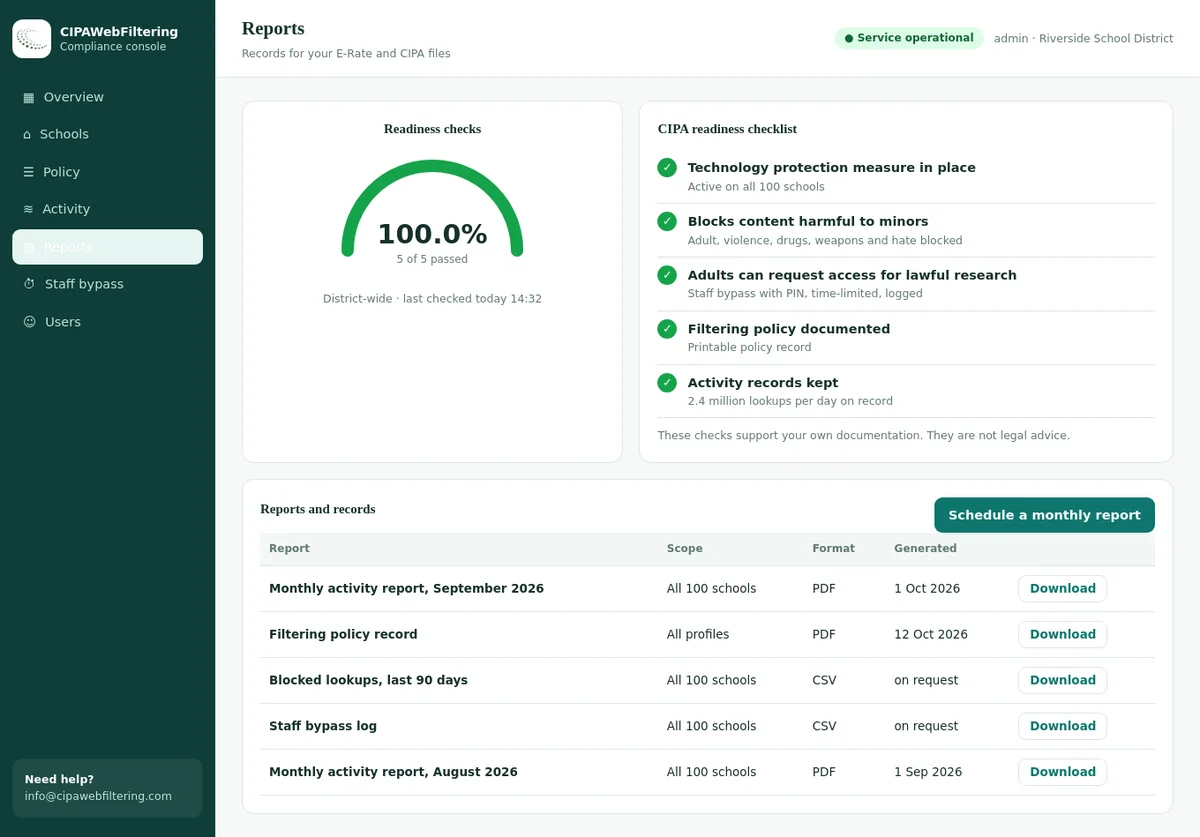
- Reports, a policy record and a log export give you evidence to file with your decision
Illegal content: what every provider response must show
This part is not optional. A provider should be able to show three things clearly, and a school should be able to confirm them without reading between the lines.
Three must-haves
- Membership of the Internet Watch Foundation, with its list used to block child sexual abuse material.
- Integration of the police-assessed list of unlawful terrorist content produced on behalf of the Home Office.
- A design where no user, including administrators in a school, college or trust, can disable or override those lists.
Illegal content categories named in the 2026 definitions
The definitions draw on offences listed in the Online Safety Act. A response should explain how the system deals with each, beyond the two lists above.
For how the Act affects schools more widely, read our guide to the Online Safety Act for schools. For the terrorism list in the context of extremism, see Prevent duty web filtering.
Inappropriate content: the list schools manage locally
Schools should be satisfied that their filter manages a wider set of inappropriate content. The list is not exhaustive. A good response explains how each area is handled and how a school can adjust it.
| Inappropriate content area | What a strong response explains | Question to ask the provider |
|---|---|---|
| Gambling | How betting, casino and lottery sites are identified, including new ones | How are gaming sites with betting-style features treated? |
| Hate speech and discrimination | How hateful sites are separated from news and education about hate | Can history and RE lessons still reach primary sources? |
| Harmful content | What the provider counts as harmful, and how it is kept current | How quickly is a harmful trend on a new site picked up? |
| Malware and hacking | How phishing, malware and hacking tools are blocked | How are newly registered domains handled before they are classified? |
| Mis- and disinformation | The provider's approach, and its limits, since this rarely maps to whole websites | What can the school control here, and what stays with teaching? |
| Piracy and copyright theft | How illegal streaming and file sharing sites are covered | Do mirror sites and new domains get caught? |
| Pornography | Coverage of adult sites, image search and safe search enforcement | How are image results in search engines handled? |
| Self-harm and eating disorders | How harmful content is blocked while support services stay open | Can pupils still reach health and support organisations? |
| Violence against women and girls | How misogynistic and abusive content is handled | Which categories or rules cover this, and can the school see them? |
Many of these areas rely on website category data. Our UK filtering and monitoring hub maps each area to web filtering categories, and the categories taxonomy lists all 59.
System features: fifteen points to check in a response
The definitions also list features a filtering system should offer. Not every school needs every feature in the same depth, but each should be addressed in a response. Our notes say what to look for.
Context-appropriate differentiated filtering
Look for separate rules by age, group and role, set by the school.
Circumvention
Look for specific answers on VPNs, proxies, DNS over HTTPS and encrypted client hello.
Control and audit
Look for school control of settings and a log of who changed what, and when.
Contextual content filtering
Look for how pages are judged in context, not only by a list of addresses.
Deployment options
Look for clear options for networks, devices and mixed estates, with known limits.
Filtering policy
Look for a published rationale for how content is classified, including how over-blocking is reduced.
Group or multi-site management
Look for central control with local delegation, important for trusts and federations.
Identification
Look for logs that identify the device and, where possible, the user.
Mobile and app content
Look for how apps, not just browsers, are covered on phones and tablets.
Multiple language support
Look for how content in other languages is classified.
Remote devices
Look for filtering that follows school devices off site.
Reporting mechanism
Look for a way for users to report wrongly blocked or allowed content.
Reports
Look for granular and historical reports a DSL can actually read.
Safe search
Look for enforced safe search that pupils cannot switch off.
Safeguarding case management
Look for how filtering information can feed the school's safeguarding records.
Two features cause most real-world gaps: circumvention and remote devices. See stopping proxy and VPN bypass and safe search enforcement in schools.
Proxy and VPN sites to try when you reach that checklist point
A provider's answer on circumvention is easier to judge if you try a few real names. These labels come from our database.
| Domain | Categories in our data | Why it is worth testing |
|---|---|---|
| croxyproxy.com | VPN / Proxy / Anonymizers | A web proxy that pupils pass around |
| proxysite.com | VPN / Proxy / Anonymizers | A long-standing proxy page name |
| torproject.org | VPN / Proxy / Anonymizers | The route to an anonymising browser |
| psiphon.ca | VPN / Proxy / Anonymizers | A circumvention tool aimed at getting past blocks |
| protonvpn.com | VPN / Proxy / Anonymizers | A VPN service with its own sign-up site |
Provider responses, integrator responses and accreditation compared
Schools sometimes treat any listing on the Centre's site as a seal of approval. The three forms of assurance mean different things, and none replaces the school's own checks.
| Form | Who completes it | What it tells you | What it does not tell you |
|---|---|---|---|
| Filtering provider response | The company that builds the filtering system | The provider's own account of how it meets each requirement | Whether it works as described in your school, on your devices |
| Filtering integrator response | An organisation that delivers a filtering system within its own service | How the service is set up and supported for schools | The full detail of the underlying system, which may sit in another response |
| Accreditation | Granted through the Centre's accreditation scheme | That the system has been validated against the definitions | That it is fully effective; the Centre is clear no system is |
The Centre states that even an accredited system is not fully effective. Schools still need to install it as the provider advises, then check and record that it works. That is why the yearly checks in the DfE standards matter as much as the choice of provider.
Strong answers and answers that need a follow-up question
Checklist responses vary a great deal in depth. These patterns help a busy DSL or business manager spot where to ask more.
Signs of a strong response
- Specific explanations, not just "yes" against each line
- Clear limits stated, such as which devices or apps are not covered
- A named process for reporting and fixing wrong blocks
- Plain description of how new websites are classified
- Details of log retention and where data is held
- A recent date on the response, matching the current definitions
Answers to follow up
- "Fully compliant" with no explanation of how
- Circumvention answered in one line, with no mention of encrypted DNS
- Mobile coverage that only applies to school wifi
- Reports described, but no example of what a DSL sees
- A response dated against an older edition of the definitions
- Over-blocking not mentioned anywhere in the filtering policy
Two checklist answers we can state in one line each
A private encrypted link keeps the same rules on laptops and phones used away from the school network. Public encrypted DNS and browser settings that skip the filter are blocked by default.
Six steps from published response to a recorded decision
A provider response is evidence, not a conclusion. These steps fit into a procurement or the annual review and leave a record governors can follow.
Confirm the edition
Check the response matches the current definitions and note its date.
Confirm the must-haves
Record IWF membership, the terrorism list and the no-override design.
Score the features
Mark each system feature as met, partly met or not met for your setting.
Ask follow-up questions
Put weak answers to the provider in writing and keep the replies.
Test it yourself
Run filtering checks on your own devices and networks, including the SWGfL test tool named in the DfE standards.
Record the decision
Write down the choice, the gaps you accept and the actions to close them.
Our filtering and monitoring annual review checklist has space for these records. For tender wording, see the school web filter RFP checklist.
Scoring a provider against your own school's needs
The same response can be a good fit for one school and a poor fit for another. A one-site primary and a secondary with 1:1 devices weigh the features very differently. This worksheet keeps the scoring honest and easy to explain.
| Feature or area | How much it matters here | Provider's answer | Our test result | Evidence kept |
|---|---|---|---|---|
| IWF list and terrorism list, no override | Essential for every school | Met, partly met or not met | Blocked as expected, or not | Check log entry with date |
| Differentiated filtering | High where several age groups share devices | Met, partly met or not met | Profiles behave differently for each group | Screenshots of profile settings |
| Circumvention | High for secondary and sixth form | Met, partly met or not met | Known bypass methods blocked | Test notes by device type |
| Remote devices | High where devices go home | Met, partly met or not met | Filtering works on home broadband | Off-site test record |
| Reports for the DSL | High everywhere | Met, partly met or not met | The DSL can read and act on them | Sample report, anonymised |
| Over-blocking policy | High where curriculum is broad | Met, partly met or not met | Teaching resources reachable | List of resources tested |
| Data retention | High everywhere | Met, partly met or not met | Retention matches school policy | Data sharing agreement, DPIA |
Keep the worksheet with your annual review. Next year, you only need to update the rows that changed, which makes the review faster and shows governors how provision has improved.
When to look at a provider's response again
A response read once at procurement can go stale. These moments are good triggers to look again, and most match the review triggers in the DfE standards.
New definitions
When the Centre publishes a new edition, check whether your provider's response has been updated to match it.
New devices
A move to tablets, laptops that go home or a new operating system can change which features matter most.
After an incident
If something got through, compare what happened with what the response promised, and ask the provider in writing.
What no provider response can cover for you
The definitions also set out what the school itself should do. These tasks stay with the school, whichever system it buys.
Check and record
Check effectiveness at least annually and after significant changes, recording location, device, user, result and action.
Assess online risk
Complete and document an online safety risk assessment at least once a year or after major changes.
Understand data
Know the provider's retention policy, have a data sharing agreement, and consider a data protection impact assessment.
Audit mobile devices
Check what apps can run on school mobile devices and whether they can be removed centrally.
Set an AI policy
Decide how generative AI tools are used and filtered. See the DfE generative AI guidance for schools.
Staff capacity
Make sure the people managing the system have the time and skills to do it well.
For data protection questions, our page on web filtering and GDPR in schools covers logs and retention.
How category data supports the inappropriate content part
We are not a listed filtering provider, and we do not supply the IWF or police-assessed terrorism lists. We supply website category data and a hosted DNS filter, which help with the wider inappropriate content areas.
Broad coverage
120 million categorised domains. The 20 million most visited domains cover 99.99% of web traffic and usage.
New domains daily
About 300,000 newly registered domains categorised every day, checked again after a week and after a month.
Measured accuracy
Regular manual validations, with validation reports available to licence holders.
Filtering providers and integrators can license the category database to strengthen their category coverage. Schools can use the hosted DNS filter as one layer, alongside a provider that meets the illegal content requirements. Check any site in the domain category checker.
Our answers set beside the checklist headings
Use the right-hand column as a starting point and compare it with what other providers write.
| Checklist point | What to ask | Hosted CIPA filter |
|---|---|---|
| Circumvention | Which bypass routes are closed? | VPN/Proxy/Anonymizers blocked as a category, even with a staff PIN |
| Remote devices | Do rules follow the device home? | A private encrypted link keeps the same rules off the network |
| Group or multi-site management | Can each school differ? | One console, separate settings per school or branch |
| Control and audit | Are changes and overrides recorded? | PIN bypass for 15, 30 or 60 minutes is logged, then switches back |
| Reports | What can the DSL read? | Activity reports, a policy record and a log export |
| Contextual content filtering | Does it read inside pages? | No, it decides by domain, not by page |
Appropriate filtering provider checklist: frequently asked questions
What are the UK Safer Internet Centre appropriate filtering definitions?
Guidance on what appropriate filtering looks like for UK education settings. They cover illegal content that must be blocked, wider inappropriate content schools should manage, and system features a filter should offer.
What is a filtering provider response?
A completed checklist in which a provider explains how its system meets each part of the definitions. Responses are published by the Centre. They are self-certified, so schools should still check and test.
Is a provider response the same as accreditation?
No. A response is the provider's own account. Accreditation validates a system against the definitions. Even an accredited system is not fully effective, so schools still check it works.
Which version of the appropriate filtering definitions is current?
At the time of writing, the 2026 edition published in May 2026. The Centre updates them regularly, so check for a newer edition before a procurement or review.
Does a good provider response mean our school is compliant?
No. Compliance depends on how your school sets the system up, who is responsible, how you check it and how you act on what it shows.
Do you supply the IWF or terrorism lists?
No. Those lists come through filtering providers that meet the requirements. We supply category data and a hosted DNS filter for the wider inappropriate content areas.
Do schools in Wales, Scotland and Northern Ireland use the same definitions?
The UK Safer Internet Centre definitions are written for education settings across the UK. KCSIE and the DfE standards apply in England, while the other nations have their own safeguarding guidance, so schools there should read the definitions alongside their own government's current guidance.
Related guides
- Filtering and Monitoring Standards for Schools: DfE Guide
- KCSIE Filtering and Monitoring: What Schools Must Do in 2026
- Filtering and Monitoring Annual Review Checklist for Schools
- Filtering for Multi-Academy Trusts: Central Policy, Local Checks
- School Web Filter RFP Checklist: Requirements and Scoring
- School Filtering Guidance in Wales and Scotland
Pricing depends on the number of schools and devices, and we send a quote within one business day. Running a pilot at one school lets you test your checklist against the real blocks and reports before you record a decision.
Talk to us about your school
Comparing filtering options or preparing a review? Tell us what you use today and where the gaps are. We will explain honestly where category data or the hosted filter fits.